





Interactive toys are one of the easiest ways to take part in a Stripchat live show instead of simply watching it.
When a model has a compatible toy connected, viewers can send tips that trigger vibrations or other responses based on the options available in her room.
In this guide, I’ll show you how to find models using interactive toys, send a toy tip, and choose the available duration or intensity step by step.

I’ve used this feature many times while reviewing Japanese models on Stripchat. Once you know where the controls are, the whole process is surprisingly simple.
How Interactive Toys Work on Stripchat
Interactive toys connect a model’s live room with viewer tips. When the model has a compatible device connected, certain tip options can trigger the toy directly during the stream.
The exact setup varies from room to room. Different models may use different toys, vibration patterns, durations, intensities, and token requirements.
For viewers, however, the basic idea is simple: find a model with an interactive toy, open the available tip options, choose the interaction you want, and send the required tokens.
Not sure whether the model is using a Lush, Domi, Hush, or another device? My separate Lovense guide explains how to recognize the most common toys you’ll see on Stripchat.
How to Use Interactive Toys on Stripchat
Once you’ve found a model with an interactive toy connected, using it only takes a few steps.
The screenshots below show the basic process so you can follow along directly from a Stripchat room.
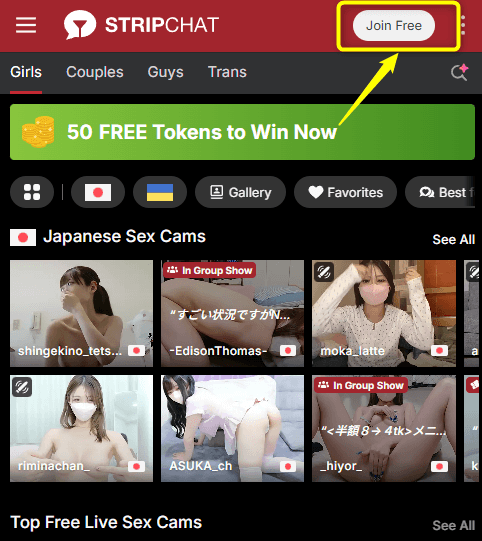
Step 1: Open the Official Website and Create a Free Account
To use interactive vibrators on Stripchat, you first need to register for a free account. Go to the official website and click on the “Join for Free” button located at the top of the page.
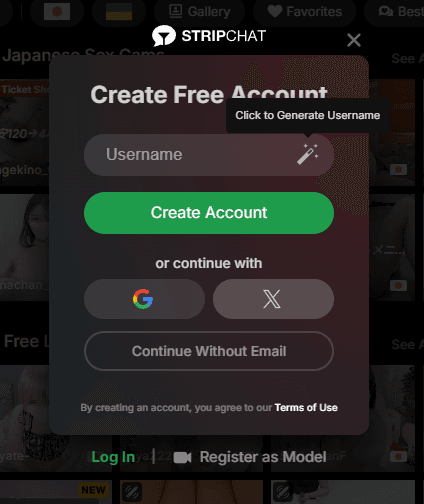
Next, enter your preferred username and email address to complete your free account setup.
Step 2: Choose a Plan and Purchase Tokens
To control an interactive vibrator remotely, you will need to buy tokens (the site’s currency).
If you want to know more about what you can do with paid features, check out this detailed guide!


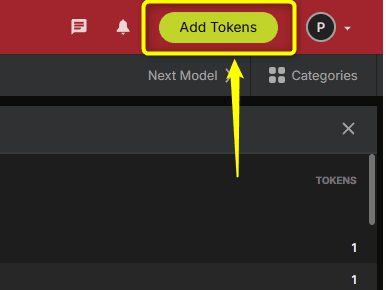
Once logged in, click or tap the “Buy Tokens” button in the top menu bar.
Select your preferred plan—such as 200 tokens, 540 tokens, or 2,350 tokens—and proceed with the payment method.
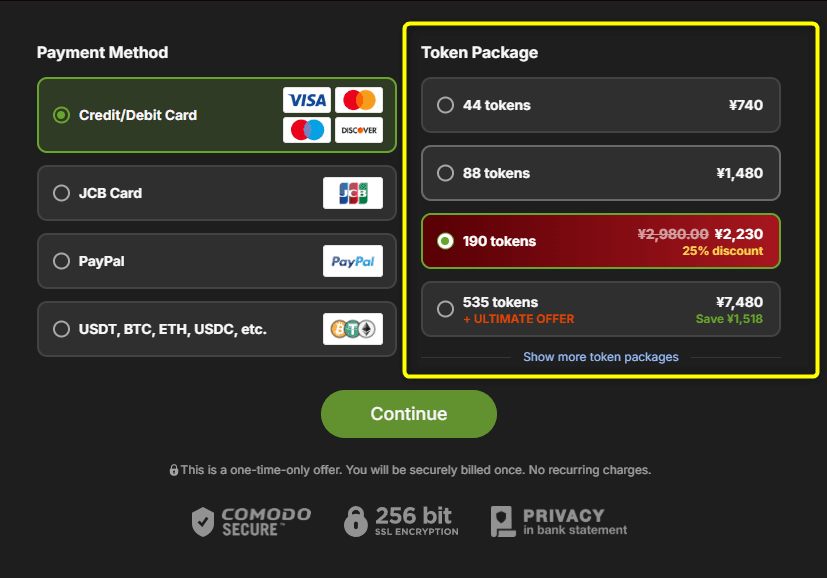
Generally, buying larger token packages on Stripchat offers a much better value per token.
Step 3: Find Models with Interactive Toys
Please note that not every model on Stripchat has an interactive toy connected.
To find them easily, select the “Interactive Toy” category from the sidebar menu to filter for models with compatible devices.

This will display a list of active models who are ready for you to control their pleasure during the chat.
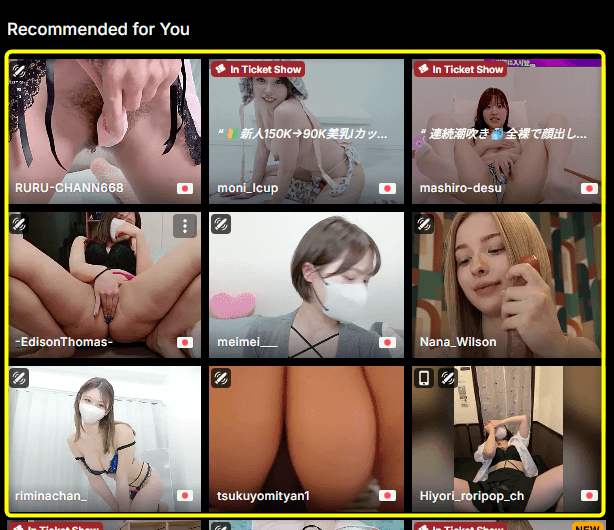
Look for the special interactive toy icon in the top-left corner of the model’s thumbnail as a quick indicator.
💡How to Find Your Favorite Models on Stripchat

Step 4: Click “Send Tip” and Select “Sex Toy”
When you find a model you like, enter her chat room and tap the “Send Tip” button.
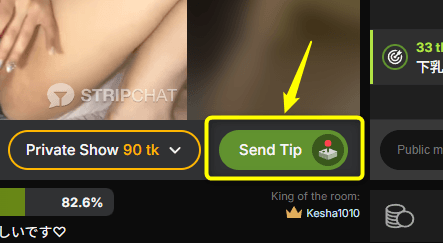
The tipping menu will open, and you should select the “Sex Toy” option from the tabs.

You can also interact with the model through comments and tips while enjoying her live show.
Step 5: Choose Duration and Intensity, Then Send Tokens to Start
To start controlling the toy, select your desired vibration duration and intensity level.

For example, a model named “Mitsuki__jp“ has configured her token costs for toy interaction as follows:
| Duration | Vibration | Tokens |
|---|---|---|
| 2s | Low | 2 |
| 3s | Low | 6 |
| 5s | Medium | 7 |
| 10s | Medium | 11 |
| 10s | High | 16 |
| 15s | High | 51 |
| 20s | High | 81 |
| 20s | Ultra High | 100 |
| 30s | Ultra High | 101 |
| 30s | Wave | 160 |
| 40s | Ultra High | 201 |
| 60s | Ultra High | 401 |
| 104s | Ultra High | 501 |
| 180s | Ultra High | 1001 |
| 183s | Ultra High | 2001 |
※These settings are one example from Mitsuki__jp’s room and are not universal Stripchat rates. Token requirements and vibration settings can vary by model and may change over time.
You can also choose specific custom vibration patterns, such as “Wave” or “Earthquake.”
The interactive vibrator responds automatically the moment you send the required amount of tokens.
Now, all that’s left is to sit back, enjoy watching the gorgeous model build up to an intense orgasm, and indulge in your own pleasure!
What Happens After You Send the Tip?
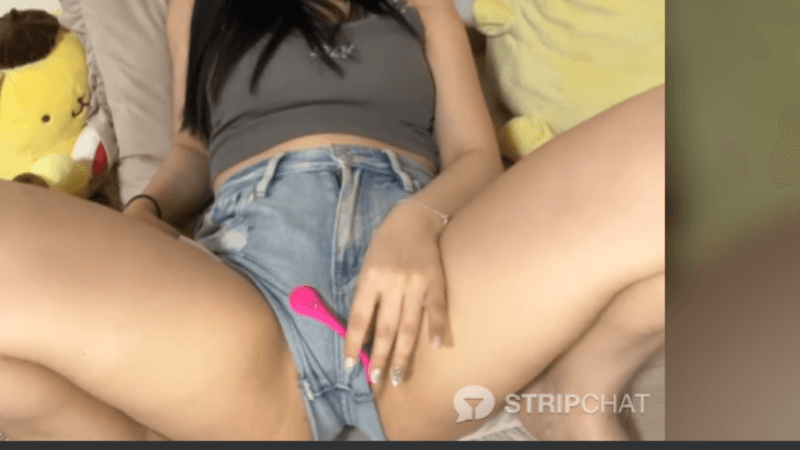
When you send an interactive toy tip, the connected device responds according to the action configured for that option.
Because this happens during a live broadcast, you can see the interaction unfold in real time rather than simply selecting something from a static menu.
The experience also varies considerably between performers. Some models make the interactive toy a major part of the room, while others use it alongside conversation, dancing, or other parts of their show.
The fun isn’t just making the toy react. It’s seeing how each model responds and interacts with the room when viewers trigger it.
Interactive Toy Settings Vary From Model to Model
One of the most important things to understand is that there isn’t one universal interactive toy menu shared by every Stripchat model.
The required tokens, vibration duration, intensity, patterns, and even the type of connected toy can differ from room to room.
A model may also change her settings later, so always treat the current menu displayed in the room as the most relevant information before sending a tip.
Which Lovense Toy Is the Model Using?
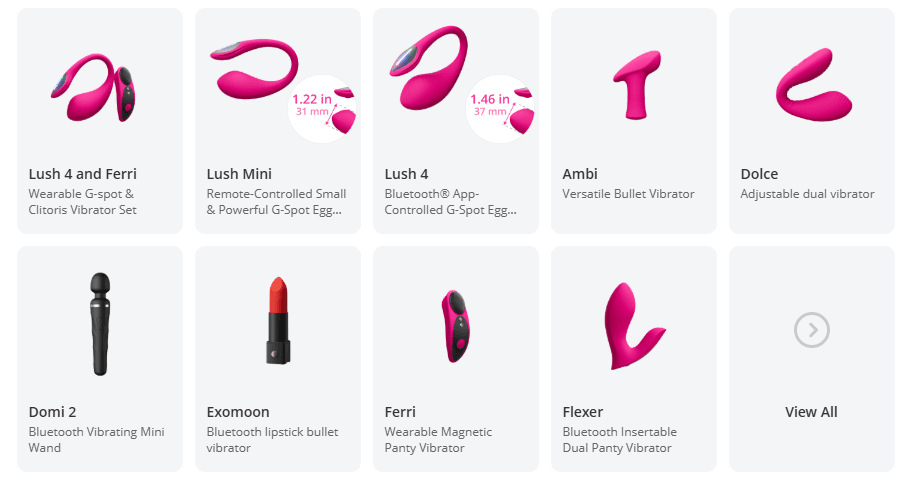
Once you understand how the controls work, you may start wondering which device you’re actually triggering.
Lush, Domi 2, Hush 2, Max 2, and the Lovense Sex Machine all work differently and can look very different on camera.
I’ve covered those differences separately, including visual clues and examples from Japanese Stripchat models.

Find Japanese Models With Interactive Toys
If you want to try these features without searching through room after room, I’ve put together a dedicated ranking of Japanese models I’ve seen using interactive toys on Stripchat.
The list focuses on actual performers and their interactive show styles, making it an easier starting point if interactive play is what you’re specifically looking for.

After reviewing hundreds of Japanese cam models, I’ve found that interactive shows can feel completely different even when two performers use the same toy. The device matters, but the model’s personality and how she uses it matter just as much.


Comments